Digital SAT® Math Hub
Build Math accuracy through domain guides, worked examples, Desmos setup habits, formula review, and timed practice paths. Start with the domain that causes the most errors, then use the related guide and simulator to verify improvement.
1. Introduction to Digital SAT Math
The math section of the Digital SAT represents a significant evolution from the traditional paper-and-pencil exam. For years, students had to navigate two distinct portions: a No-Calculator section and a Calculator-Allowed section. Under the new digital format, the entire sat math section permits the use of a calculator. This structural change shifts the focus of preparation from speed-calculations and rote paper arithmetic to conceptual understanding, mathematical modeling, and strategic tool utilization.
Taking the Digital SAT means using a specialized application called Bluebook, which features an integrated, fully functional version of the Desmos Graphing Calculator. This tool is a major advantage for students who know how to use it, but it requires new strategies. The digital test is also adaptive: your performance on the first 22-question module determines the difficulty and scoring range of the second 22-question module. To maximize your score, you must master the core content domains, understand the timing of the modules, and build a strategic approach to both multiple-choice and grid-in questions.
2. Core Topic Clusters & Guides
Our curriculum is organized into seven specialized guide domains and one practice hub to ensure comprehensive coverage of the entire exam.
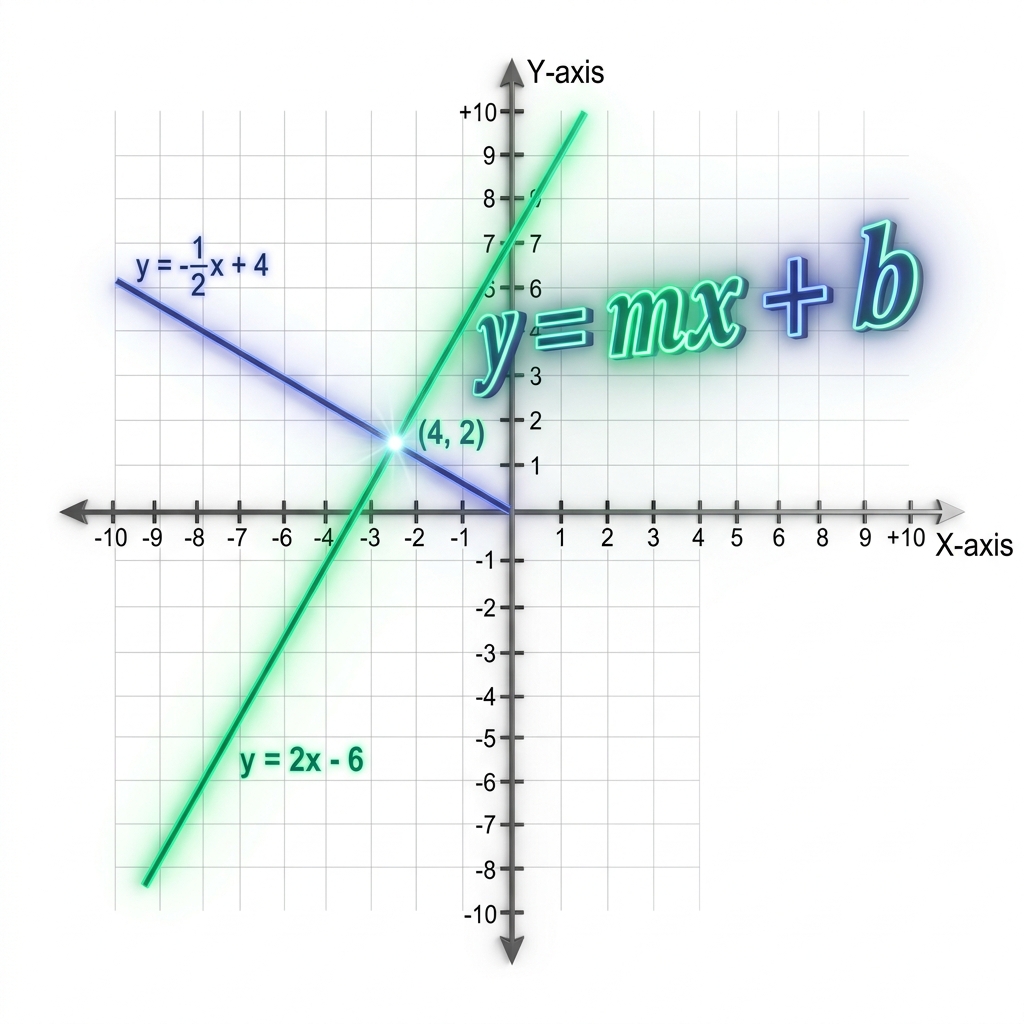
Algebra
Master linear equations, systems of equations, linear inequalities, and absolute value models. Learn to solve linear systems graphically and algebraically.
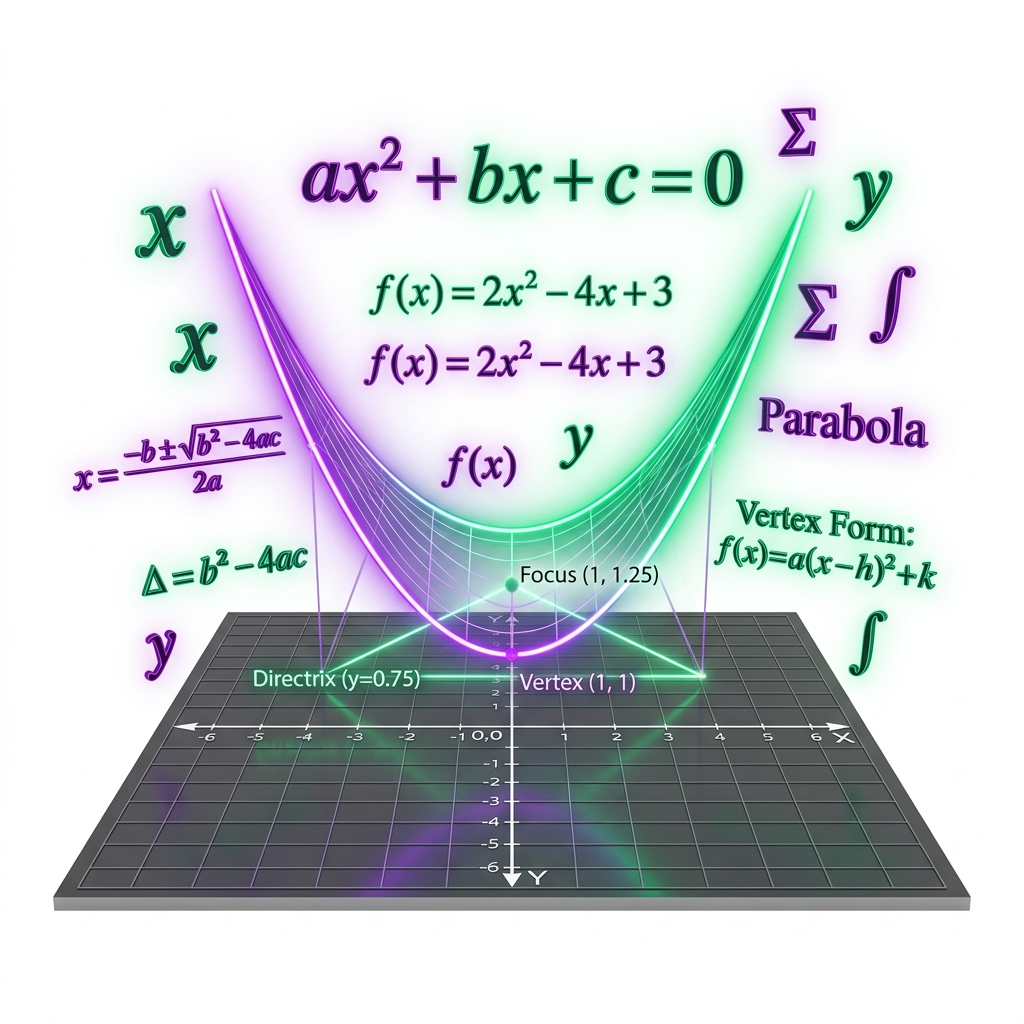
Advanced Math
Explore quadratic functions, parabolas, polynomial factorizations, rational equations, and exponential growth models. Master vertex and standard forms.

Problem Solving & Data Analysis
Analyze ratios, percentages, unit conversions, statistics, mean, median, mode, standard deviation, and graphic charts. Master probability concepts.
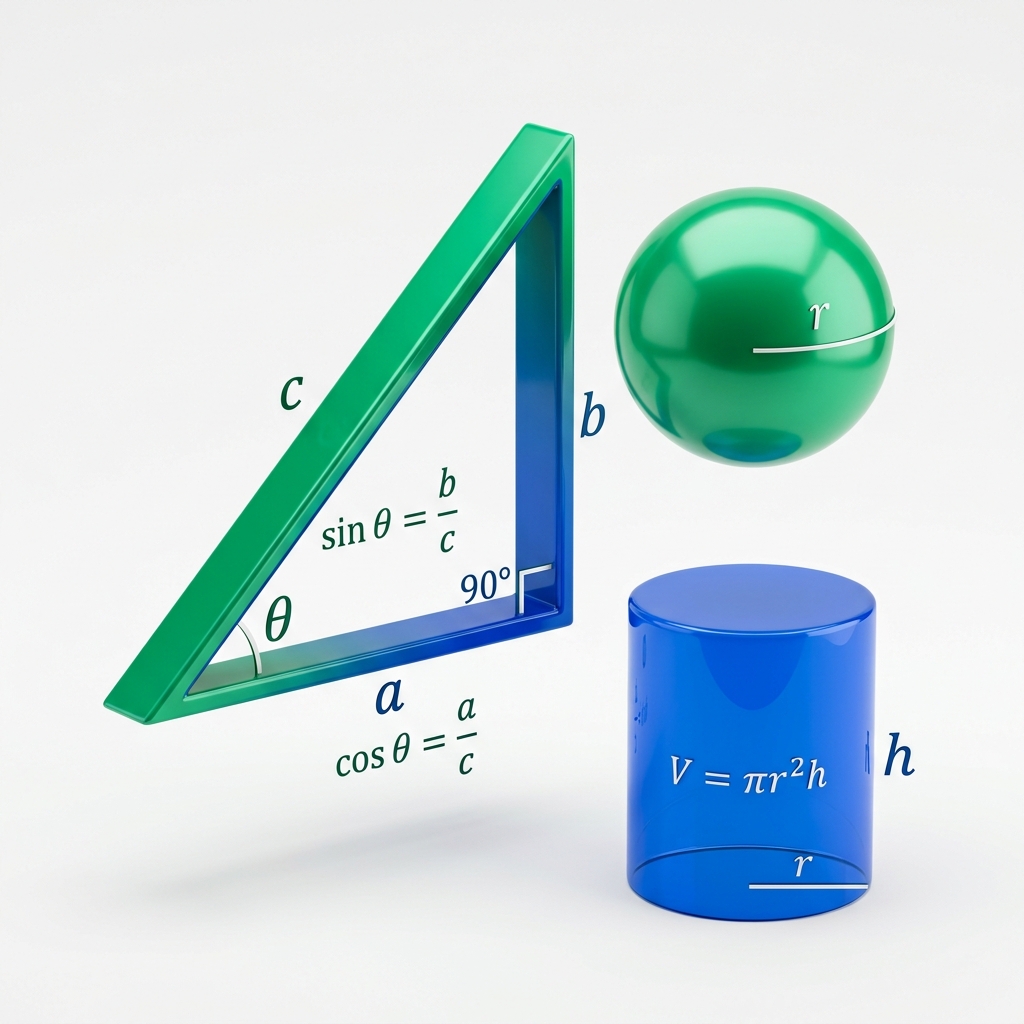
Geometry & Trigonometry
Master coordinate geometry, circle equations, special right triangles, volume, area, sine, cosine, tangent, and trigonometric complementary identities.
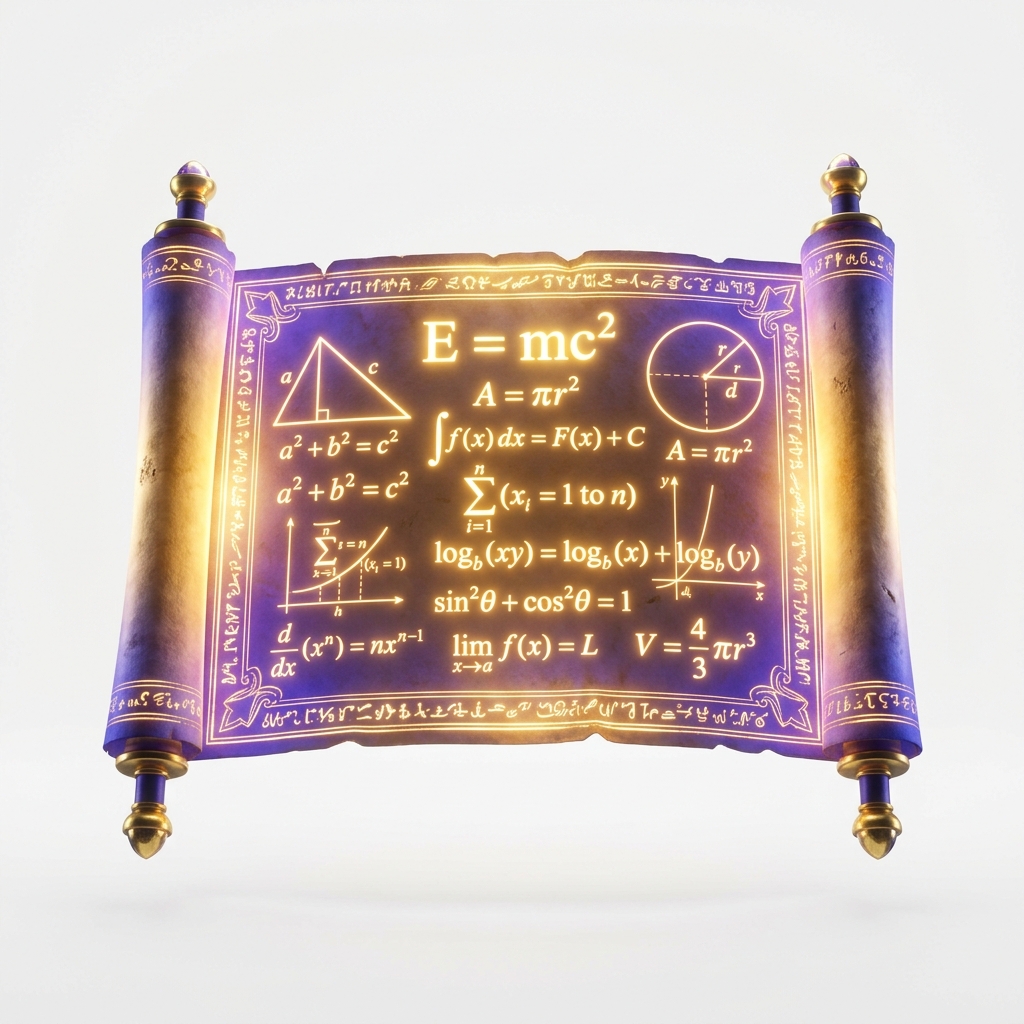
SAT Math Formulas
Access the ultimate formulas list. Review the geometry formulas on the reference sheet and learn the critical algebra formulas missing from the app.
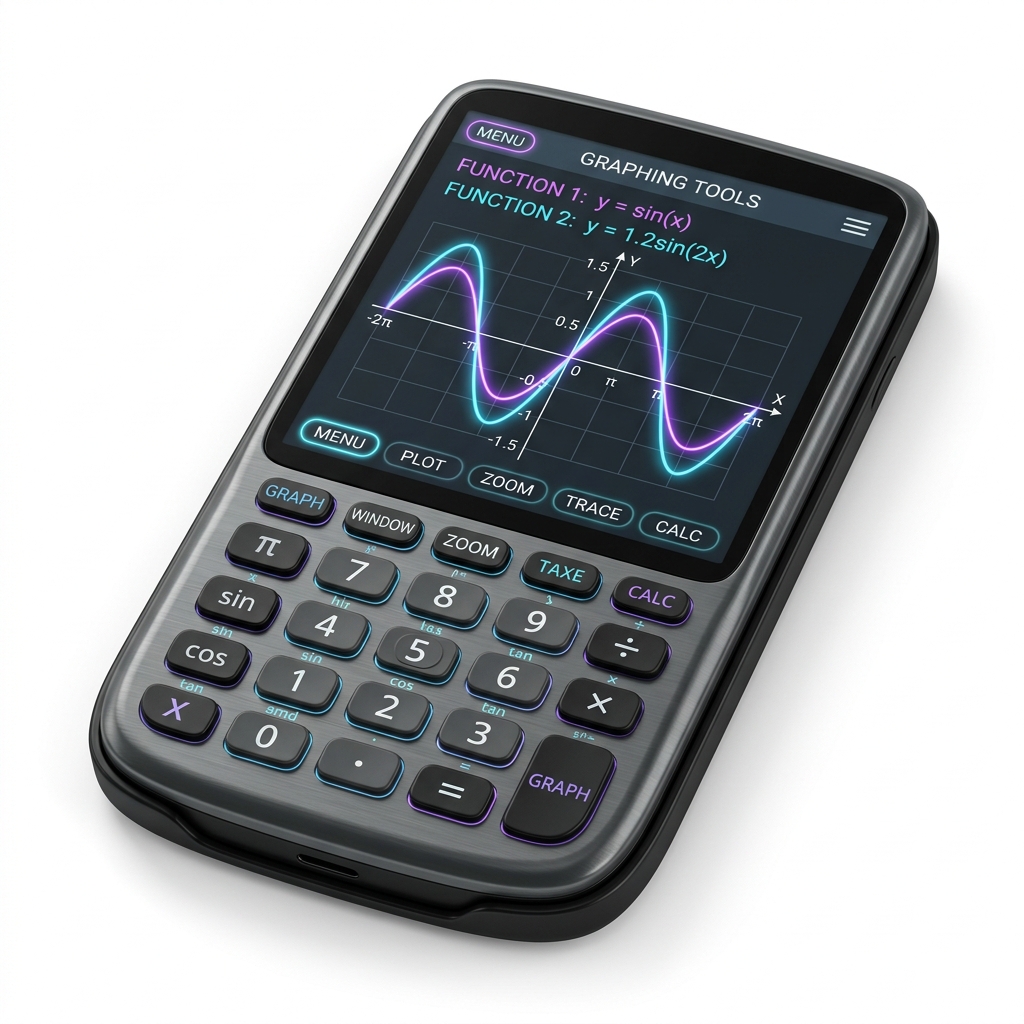
Desmos Calculator Hacks
Learn shortcuts for coordinates, intercepts, roots, system intersections, regression modeling, and constant sliders. Speed up your math solution timing.
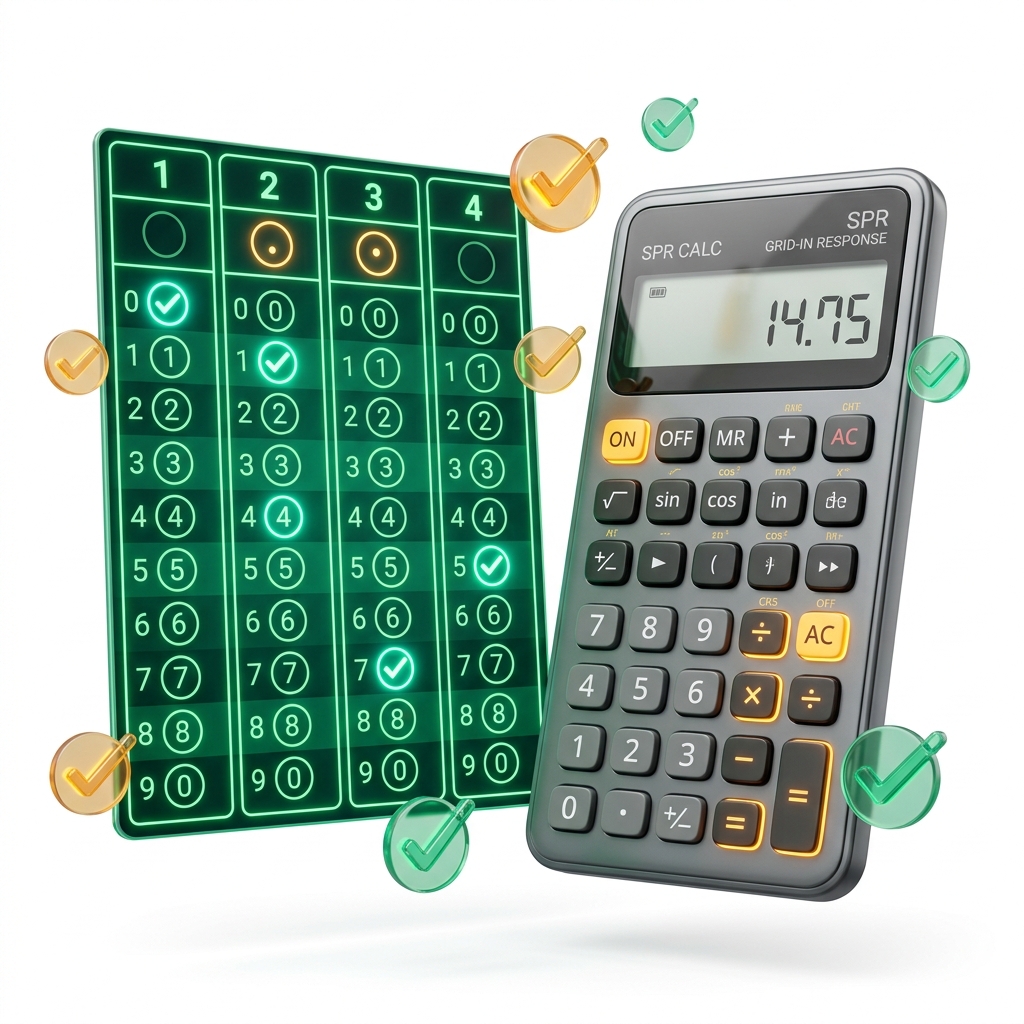
Student-Produced Responses
Review rules for positive integers, decimal inputs, and fraction gridding. Avoid common gridding mistakes like mixed number entry errors.

Math Practice Center
Access targeted math practice questions and timed quizzes. Test your conceptual skills using our custom online practice testing engine.
3. Section Timing & Pacing Mathematics
Time management is one of the most critical elements of a successful testing strategy. Many students lose points not because they do not understand the concepts, but because they run out of time on the final questions of a module.
Pacing Calculation
The Math section of the Digital SAT provides a total of 70 minutes to solve 44 questions. This is split evenly into two modules. Let `\(t_{\text{pace}}\)` represent the average time available per question:
This average includes both multiple-choice and grid-in questions. Because Student-Produced Responses do not offer answer choices, they often take slightly longer to solve. To maintain a safe pace, aim to solve easy questions in 45–60 seconds, saving extra time for complex, multi-step problems at the end of the module.
The adaptive nature of the exam also affects timing. The first module contains a standard mix of easy, medium, and hard questions. The second module is adaptive, and its difficulty depends on your performance in Module 1. If your second module contains more difficult questions, expect denser algebra, longer modeling setups, and more multi-step work, so pace carefully to avoid running out of time.
| Question Milestone | Elapsed Time | Remaining Time | Focus Area / Pacing Strategy |
|---|---|---|---|
| Question 5 | 6 minutes | 29 minutes | Solve easy algebra and linear functions quickly. Avoid simple errors. |
| Question 11 | 16 minutes | 19 minutes | Begin gridding the first set of Student-Produced Responses. Check decimal placements. |
| Question 16 | 25 minutes | 10 minutes | Transition to hard algebra and geometry problems. Use Desmos to check calculations. |
| Question 22 | 33 minutes | 2 minutes | Verify that no questions are left blank in the Review Grid. Make educated guesses. |
4. Recommended Score Pathways
Your study plan should align with your current score level and target goals. Select the pathway below that fits your target:
Pathway 1: Foundation Booster (Target: 500+)
If your starting score is below 450, focus on building a strong foundation in core arithmetic and basic algebra. Over 30% of the exam consists of linear equations and ratios, which are essential for raising your score.
- Master coordinate plane graphing, slope calculations, and y-intercept equations.
- Learn the standard rules for gridding fractions and decimals in the Student-Produced Responses.
- Practice basic geometry calculations, including perimeter, area, and angle measures.
- Practice simple algebra drills using our targeted sat math practice tools.
Pathway 2: Target 650+ Pathway
If you are scoring in the 500s, focus on quadratics, exponential growth models, statistics, and basic trigonometry. You must also learn to route to the Hard Module 2.
- Master quadratic equations, factoring, and the vertex form of parabolas.
- Study statistical measures (mean, median, mode, range, and standard deviation) and data displays.
- Learn to solve non-linear systems and locate intersections using Desmos.
- Study the essential sat math formulas cheat sheet.
Pathway 3: Target 800 (Elite Score Pathway)
If you are scoring above 650, aim for a perfect score by focusing on speed, advanced geometry, trigonometry, and complex algebraic functions.
- Master circle equations, completing the square, and radius calculations.
- Memorize and apply trigonometric complementary identities and radian conversions.
- Practice advanced Desmos hacks, including regressions and slider checks.
- Take full-length adaptive tests to build stamina and speed under time pressure.
5. Diagnosing Common Weaknesses
Many students make the mistake of studying only the math concepts they already understand. To raise your score, you must identify and fix your specific weaknesses.
1. Desmos Unit Errors (Radian vs. Degree)
By default, Desmos starts in Radian Mode. If you solve trigonometry questions (e.g. evaluating sine or cosine of an angle in degrees) without toggling the graph settings wrench icon to Degree Mode, your calculations will be incorrect.
2. Mixed Number Gridding Mistakes
If you calculate an answer of `\(3\frac{1}{2}\)` and type it directly as 3 1/2, the scoring software will read it as 31/2 (or 15.5). You must enter mixed numbers as improper fractions (e.g. 7/2) or decimals (3.5).
3. Time-Consuming Algebraic Calculations
Spending 3 minutes solving a system of quadratic equations using manual substitution is a major mistake when you can graph the equations in Desmos and locate their intersection points in under 15 seconds. Use tools strategically to save time.
4. Word Problem Translation Errors
Many questions use word problems to test math concepts. Take the time to identify the constants and variables before writing your equations. Pay close attention to unit conversions (e.g. miles per hour to feet per second).
6. High-Fidelity Worked Examples
Review these step-by-step worked examples to learn the balance between algebraic solutions and calculator shortcuts.
Example 1: Solving Systems of Linear Equations (Algebra)
Find the y-coordinate of the solution to the system:
Method A: Algebraic Substitution
1. Solve for \(y\) in the second equation: \(y = 26 - 4x\).
2. Substitute this expression into the first equation:
\(3x - 2(26 - 4x) = 8\)
\(3x - 52 + 8x = 8\)
`\(11x = 60 \implies x = \frac{60}{11}\)`.
3. Solve for \(y\):
`\(y = 26 - 4\left(\frac{60}{11}\right) = \frac{286}{11} - \frac{240}{11} = \frac{46}{11} \approx 4.18\)`.
Method B: Desmos Graphing
Type both equations into Desmos exactly as written. Click the intersection point on the graph. Desmos will display grey coordinate dots; clicking the intersection point reveals the coordinate label: \(\left(\frac{60}{11}, \frac{46}{11}\right) \approx (5.455, 4.182)\). You can read the y-coordinate directly from the label.
Example 2: Circle Coordinate Geometry (Advanced Geometry)
A circle in the coordinate plane is defined by the equation below. Find the coordinates of the center and the radius of the circle:
Method A: Completing the Square
1. Group the \(x\) and \(y\) terms: \((x^2 + 8x) + (y^2 - 10y) = 8\).
2. Complete the square for the \(x\) terms by adding `\(\left(\frac{8}{2}\right)^2 = 16\)`, and for the \(y\) terms by adding `\(\left(\frac{-10}{2}\right)^2 = 25\)`. Add these numbers to both sides of the equation:
\((x^2 + 8x + 16) + (y^2 - 10y + 25) = 8 + 16 + 25\)
\((x + 4)^2 + (y - 5)^2 = 49\).
3. Identify the center \((h, k) = (-4, 5)\) and the radius squared \(r^2 = 49\), giving a radius of \(r = 7\).
Method B: Desmos Verification
Type the equation into Desmos exactly as written to plot the circle. You can find the coordinates of the center \((-4, 5)\) visually. You can calculate the radius by measuring the distance from the center to the outer intercepts along the grid lines: from \((-4, 5)\) to \((3, 5)\) is exactly \(3 - (-4) = 7\) units.
Example 3: Exponential Decay and Half-Life (Advanced Math)
A radioactive substance decays according to the function below, where `\(A(t)\)` represents the remaining mass in grams after `\(t\)` years, and `\(A_0\)` is the initial mass. If the initial mass is 400 grams and the substance has a half-life of 30 years, how much mass remains after 90 years?
Method A: Algebraic Calculation
1. Identify the constants: `\(A_0 = 400\)`, `\(h = 30\)` (half-life in years), and `\(t = 90\)` (decay time in years).
2. Substitute the values into the formula:
`\[A(90) = 400 \left(\frac{1}{2}\right)^{\frac{90}{30}}\]`
3. Simplify the exponent: `\(\frac{90}{30} = 3\)` half-life cycles.
4. Evaluate the decay: `\(A(90) = 400 \left(\frac{1}{2}\right)^3 = 400 \left(\frac{1}{8}\right) = 50\)` grams.
5. Solution: The remaining mass is 50 grams.
Method B: Desmos Verification
Type `y = 400 * (1/2)^(x/30)` into Row 1 of Desmos. Type `x = 90` into Row 2. Click the intersection of the curve and the vertical line. Desmos will display grey coordinate dots; clicking the intersection reveals the label: `(90, 50)`. The y-value of 50 indicates the remaining mass.
Example 4: Trigonometric Complementary Angle Identities (Geometry & Trigonometry)
In a right triangle, if `\(\sin(\theta) = \frac{4}{5}\)`, what is the value of `\(\cos(90^\circ - \theta)\)`?
Method A: Trigonometric Identities
1. Recall the co-function (complementary angle) identity: the sine of an acute angle in a right triangle is equal to the cosine of its complementary angle.
2. The complementary angle to `\(\theta\)` is `\(90^\circ - \theta\)`.
3. Under this identity, `\(\cos(90^\circ - \theta) = \sin(\theta)\)`.
4. Since `\(\sin(\theta) = \frac{4}{5}\)`, the value of `\(\cos(90^\circ - \theta)\)` must also be `\(\frac{4}{5}\)` (or `0.8`).
Method B: Desmos Check
1. Toggle Desmos to Degree Mode (click the wrench settings icon).
2. Find the angle `\(\theta\)` by entering `t = arcsin(4/5)` in Row 1. Desmos calculates `t \approx 53.13^\circ`.
3. Evaluate the cosine of the complement by typing `cos(90 - t)` in Row 2. Desmos outputs `0.8` (which is exactly `\(\frac{4}{5}\)`). This confirms the identity.
7. Item Response Theory (IRT) & Scoring Mechanics
The Digital SAT Math score is not calculated by simply adding up your correct answers and dividing by the total number of questions. Instead, the College Board uses a psychometric scoring framework called Item Response Theory (IRT). This framework models the probability of a student answering a specific question correctly as a function of their overall math ability, represented by the variable `\(\theta\)`.
Under the standard three-parameter logistic (3PL) IRT model, each math question is characterized by three distinct parameters: difficulty `\(b\)`, discrimination `\(a\)`, and guessing `\(c\)`. The probability `\(P(\theta)\)` of a student with math ability `\(\theta\)` answering a question correctly is given by the formula:
In this model, the difficulty parameter `\(b\)` shifts the probability curve along the ability scale. Harder questions require higher ability values `\(\theta\)` to achieve a high probability of success. The discrimination parameter `\(a\)` defines the slope of the curve, showing how effectively the question separates high-ability students from low-ability students. Finally, the guessing parameter `\(c\)` represents the lower asymptote of the curve, indicating the probability of answering the question correctly by random guessing (typically around `0.25` or `25\%` for 4-option multiple-choice items, and `0.00` or `0\%` for grid-in responses).
Because different questions carry different weights and parameters under the IRT model, your final scaled score (on the 200–800 section scale) depends on which specific questions you answer correctly. Answering a hard question with a high difficulty parameter `\(b\)` correctly provides a greater boost to your estimated ability `\(\theta\)` than answering an easy question. Conversely, making a simple error on an easy question can lead to a more severe score penalty, as the model expects a student of moderate ability to answer low-difficulty items correctly.
8. Frequently Asked Questions
What is the structure and timing of the Digital SAT Math section?
The Digital SAT Math section is divided into two separate, back-to-back testing modules. Each module contains 22 questions and lasts for 35 minutes, giving you a total of 44 questions in 70 minutes. Approximately 25% of the Math questions are Student-Produced Responses (fill-in-the-blank grid-ins), while approximately 75% are standard four-choice multiple-choice questions. In addition, each module contains 2 unscored pretest questions used by the College Board for statistical equating, though you will not know which questions these are.
Can I use the built-in Desmos graphing calculator for the entire Math test?
Yes. The Digital SAT allows the use of a calculator for the entire Math section, which is a major change from the old paper test. A fully featured version of the Desmos Graphing Calculator is integrated directly into the Bluebook app interface, allowing you to plot functions, find intersections, solve systems, and calculate regressions on any question. You can also bring an approved physical calculator (like a TI-84 Plus CE) to use on your desk alongside Desmos.
What are Student-Produced Responses, and how do I grid them?
Student-Produced Responses (SPRs) are questions that do not offer multiple-choice options. Instead, you calculate the answer and type it into a response field. Official Bluebook directions allow positive and negative numerical answers, including decimals or fractions, as long as they fit the response field. Mixed numbers should be entered as improper fractions or decimals; for example, enter 7/2 or 3.5 instead of 3 1/2.
What formulas are provided on the official SAT Math reference sheet?
The Bluebook testing interface includes a reference icon that opens a formula pop-up sheet. This sheet contains basic geometry formulas including the area of a circle, circumference of a circle, area of a rectangle, area of a triangle, volume of a rectangular prism, volume of a cylinder, volume of a sphere, volume of a cone, volume of a pyramid, and special right triangle ratios (30-60-90 and 45-45-90 triangles). It also lists the sum of the angles of a triangle (180 degrees) and the degrees (360) and radians (2pi) in a circle.
What critical SAT Math formulas are NOT on the reference sheet?
Many high-scoring formulas are missing from the reference sheet and must be memorized. These include the quadratic formula, the vertex form of a quadratic equation \(y = a(x - h)^2 + k\), coordinate slope calculations, midpoint coordinates, the distance formula, circle equations in standard form \((x - h)^2 + (y - k)^2 = r^2\), basic trigonometry definitions (sine, cosine, tangent), trigonometric complementary identities, and exponent rules. Memorizing these is crucial for speed.
How does the adaptive testing module system affect my SAT Math score?
The Math section uses two-stage adaptive routing. Module 1 contains a representative mix of easy, medium, and hard questions. Your performance in Module 1 determines whether you receive an easier or harder Module 2. A harder second module gives the scoring model more high-difficulty evidence, but College Board does not publish fixed public routing cutoffs or score caps.
What is the best way to practice SAT Math under timed conditions?
The best way to build timing skills is to take official adaptive practice tests inside the Bluebook app. Because the available practice-test list can change, verify the current inventory in Bluebook or on College Board's SAT Suite practice pages before planning your schedule. For concept drills, use our diagnostic practice engine to solve shuffled problems and check detailed step-by-step explanations. Focus on learning when to use algebraic substitution and when to save time by graphing equations in Desmos. Reviewing your mistakes on My Practice is key to finding and fixing knowledge gaps.
Should I use my physical calculator or the integrated Desmos app on test day?
You should use both. A physical calculator on your desk is usually faster for simple arithmetic, multiplication, division, and basic fractions. However, the built-in Desmos calculator is far superior for graphing systems of equations, finding intersections, solving quadratics, plotting circles, and finding statistical regressions. Learning to split tasks between your physical calculator and Desmos is a major advantage.
Are there negative numbers or complex numbers on the Digital SAT Math section?
Complex numbers are not part of the current digital SAT Math focus, but negative real-number answers can appear in student-produced response work. If a student-produced response is negative, type the minus sign directly in the response field and make sure the full answer fits the allowed character space.
How can I quickly improve my math score if I am stuck below 600?
If you are stuck below 600, your primary goal is to master core Algebra and linear functions, which make up over 30% of the exam. Focus on solving systems of equations, interpreting coordinate graphs, calculating slopes, and reading word problems. Use Desmos to check your algebraic work, and make sure you do not lose points on simple geometry questions. Taking a diagnostic test can help you identify which specific topics need the most practice.
Disclaimer: SAT® is a trademark registered by the College Board, which is not affiliated with, and does not endorse, this website. All mathematical formulas, sample questions, and Desmos instructions are written independently by our academic staff to aid student preparation.